

Samsung RF27T5201SR Refrigerator: A Comprehensive Manual Overview
This manual details the 27 cu. ft. Samsung RF27T5201SR refrigerator, covering installation, features like SpaceMax™ technology, and maintenance. It ensures optimal performance and longevity.
Model Identification and Specifications
The Samsung RF27T5201SR is identified as a 27 cubic foot, large capacity, 3-door French Door refrigerator. Manufactured by Samsung, this appliance boasts a fingerprint-resistant finish for ease of maintenance and a sleek aesthetic. Key specifications include its model number – RF27T5201SR – crucial for parts identification and service requests.
This refrigerator incorporates Samsung’s SpaceMax™ Technology, maximizing interior space without increasing exterior dimensions. The All-Around Cooling system ensures consistent temperatures throughout the refrigerator, preserving food freshness. The unit is designed for optimal performance and energy efficiency.
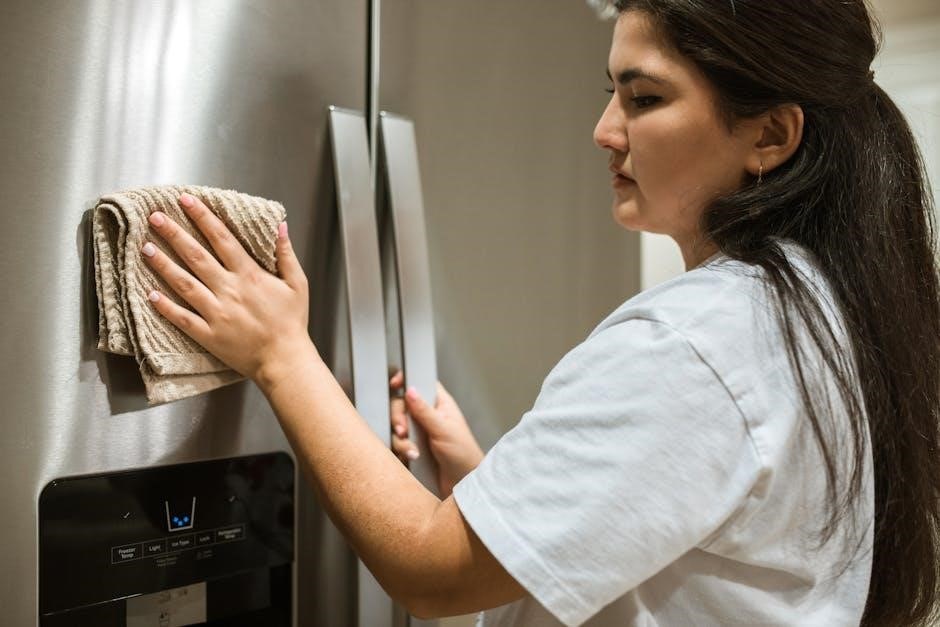
Verification of the model number through online parts retailers, such as Repair Clinic, is recommended before seeking assistance or replacement parts. The manual, available for download from Samsung’s official website, provides detailed information regarding these specifications and more, ensuring users have access to comprehensive product details. Understanding these specifications is vital for proper operation and maintenance.
Initial Setup and Installation
Prior to installation, carefully inspect the Samsung RF27T5201SR for any shipping damage. Ensure the refrigerator is placed on a level, stable floor capable of supporting its weight when fully loaded. Maintain adequate ventilation around the appliance – leaving sufficient space on the sides and back for proper air circulation is crucial for efficient operation.
Connect the refrigerator to a dedicated, grounded electrical outlet. Avoid using extension cords. Before loading food, allow the refrigerator to run for several hours to reach its optimal operating temperature. Proper leveling is essential; adjust the leveling feet as needed to prevent wobbling and ensure the doors close securely.
Refer to the full manual for detailed instructions regarding water line connection for the ice maker and water dispenser (if equipped). Thoroughly clean the interior with a mild detergent and warm water before first use. Following these initial setup steps will guarantee optimal performance and longevity of your new Samsung refrigerator.
Understanding the Control Panel

The control panel on your Samsung RF27T5201SR refrigerator allows for precise temperature management and feature activation. Typically located on the refrigerator door, it features intuitive buttons or a digital display. Familiarize yourself with the power cooling/power freeze functions for rapid temperature reduction – ideal for quickly chilling beverages or freezing fresh food.
The control panel also manages settings for the ice maker and water dispenser. You can typically select ice type (cubed or crushed) and disable the ice maker when needed. Temperature settings are usually adjustable for both the refrigerator and freezer compartments, allowing you to customize the cooling levels based on your storage needs.
Explore the panel’s options for features like door alarm silencing and potentially, diagnostic functions. The manual provides a detailed diagram and explanation of each button and setting, ensuring you can effectively control and optimize your refrigerator’s performance.
Temperature Control Settings
The Samsung RF27T5201SR refrigerator offers precise temperature control for both the refrigerator and freezer compartments, accessible via the control panel. Recommended refrigerator temperature is typically between 37°F (3°C) and 40°F (4°C) to maintain optimal food freshness. Adjusting the settings allows you to customize cooling based on stored items and ambient room temperature.
The freezer compartment should ideally be set to 0°F (-18°C) to ensure proper food preservation and prevent freezer burn. Utilize the ‘Power Freeze’ function for rapidly freezing newly added items, preserving their texture and nutritional value. Remember that frequent door openings or placing warm food inside can temporarily affect internal temperatures.
The manual details how to monitor and adjust these settings, offering guidance on interpreting the temperature display. Consider slightly adjusting temperatures during peak usage or warmer months to maintain consistent cooling performance. Proper temperature management is crucial for food safety and extending shelf life.
Using the Ice Maker
The Samsung RF27T5201SR refrigerator features an automatic ice maker, providing a convenient supply of ice on demand. Initially, allow up to 24 hours for the ice maker to begin producing ice after installation or a prolonged period of inactivity. Ensure the water supply is connected and the water line is free of kinks or obstructions for optimal performance.
The ice maker can be turned on or off via the control panel, allowing you to disable ice production when needed; A ‘Power Freeze’ function can accelerate ice production for increased demand. The manual details how to clear ice jams, which can occur if ice cubes freeze together. Regularly emptying the ice bin prevents ice from melting and refreezing, maintaining ice quality.
If the ice maker isn’t functioning, check the water supply, the ice maker’s on/off switch, and ensure the freezer temperature is sufficiently cold. The manual provides troubleshooting steps for common ice maker issues, ensuring a consistent supply of refreshing ice.
Water Filter Replacement

Maintaining optimal water quality in your Samsung RF27T5201SR refrigerator requires regular water filter replacement. Samsung recommends replacing the filter every six months, or sooner if water flow noticeably decreases. The refrigerator’s control panel features an indicator light that alerts you when a filter change is needed. Using genuine Samsung water filters (HAF-QIN) ensures the best filtration performance and protects your refrigerator’s components.
Replacing the filter is a straightforward process. First, locate the filter compartment, typically found inside the refrigerator. Gently twist and remove the old filter, being prepared for a small amount of water spillage. Align the new filter with the compartment and twist it into place until it locks securely. After installation, flush the system by dispensing water for approximately 5 minutes to remove any air or carbon particles.
Proper filter disposal is crucial; consult local regulations for appropriate recycling or disposal methods. The manual provides detailed diagrams and step-by-step instructions for a hassle-free filter replacement experience.
Door Alarm Functionality
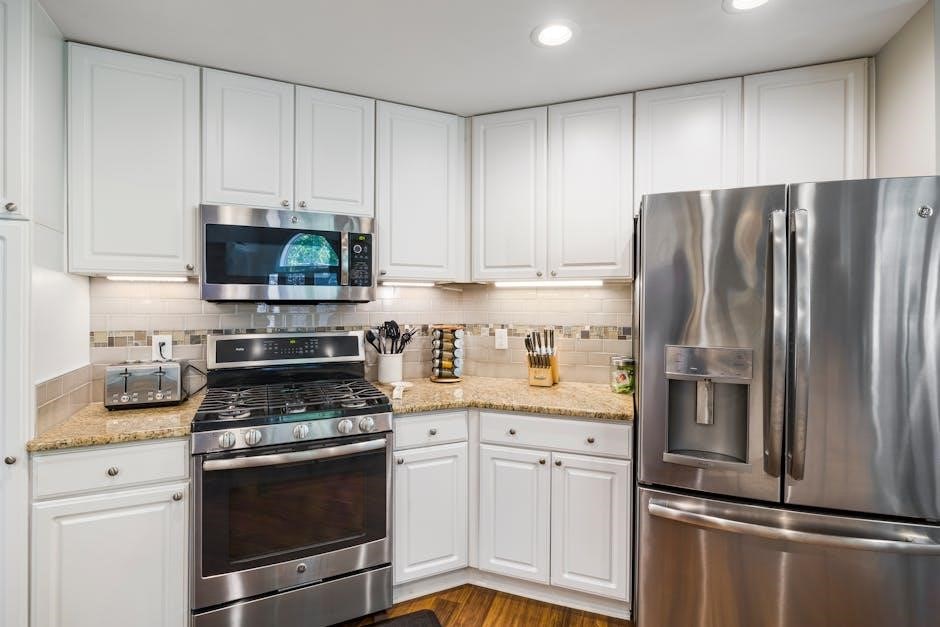
The Samsung RF27T5201SR refrigerator is equipped with a door alarm system designed to prevent food spoilage and energy waste. This feature alerts you if a refrigerator or freezer door is left open for an extended period. The alarm will sound after approximately two minutes of the door being ajar, providing ample time to notice and rectify the situation.
The door alarm isn’t simply a nuisance; it actively contributes to maintaining consistent internal temperatures. Prolonged door openings can lead to temperature fluctuations, compromising food freshness and increasing energy consumption. To silence the alarm, simply close the door completely. The alarm will automatically deactivate.
It’s important to note that the alarm may also sound intermittently if the door isn’t fully latched, even if it appears closed. Ensure a secure closure each time. The manual details how to temporarily disable the alarm function if needed, though it’s generally recommended to keep it enabled for optimal food preservation and energy efficiency.
SpaceMax™ Technology Explained
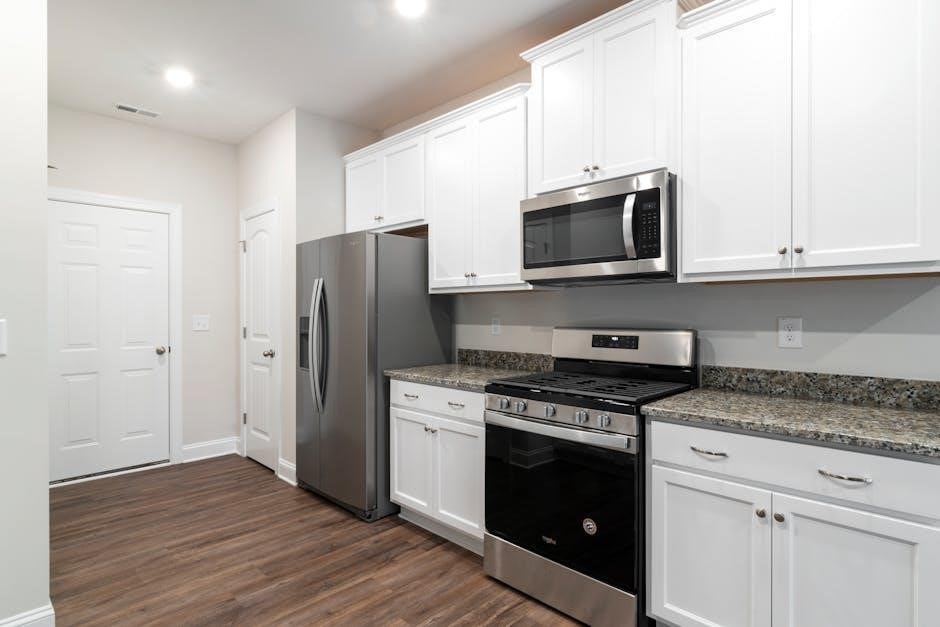
Samsung’s SpaceMax™ Technology is a key feature of the RF27T5201SR refrigerator, maximizing storage capacity without increasing the exterior dimensions. This innovative design utilizes a thinner wall construction, achieved through specialized insulation and vacuum insulation panels (VIPs).
Traditional refrigerators rely on thick insulation to maintain temperature, sacrificing valuable interior space. SpaceMax™ minimizes this insulation thickness while maintaining exceptional energy efficiency. The result is a spacious 27 cu. ft. interior, offering significantly more room for groceries compared to standard refrigerators of similar external size.
The VIPs used in SpaceMax™ are highly effective at preventing heat transfer, allowing for thinner walls without compromising cooling performance. This translates to more usable space for storing larger items, organizing food efficiently, and accommodating family needs. SpaceMax™ isn’t just about size; it’s about intelligent design that optimizes both capacity and energy savings, making the RF27T5201SR a practical and efficient choice.
All-Around Cooling System Details

The Samsung RF27T5201SR refrigerator features an advanced All-Around Cooling system designed to maintain consistent temperatures throughout the entire refrigerator compartment. Unlike conventional systems that can create temperature fluctuations, this system utilizes strategically placed vents to circulate cool air to every shelf and corner.

This comprehensive cooling approach ensures that food stays fresher for longer, regardless of where it’s stored. Independent cooling zones minimize temperature variations, preventing spoilage and preserving the taste and texture of your groceries. The system actively monitors and adjusts temperature levels based on usage patterns and ambient conditions.
Furthermore, the All-Around Cooling system works in conjunction with the refrigerator’s insulation to optimize energy efficiency. By maintaining a stable temperature, the compressor doesn’t have to work as hard, reducing energy consumption. This results in a more environmentally friendly and cost-effective appliance, providing consistent freshness and performance for your food storage needs.
Fingerprint Resistant Finish Care
The Samsung RF27T5201SR boasts a stylish fingerprint resistant finish, designed to maintain a clean and pristine appearance with minimal effort. While named “fingerprint resistant,” the surface isn’t entirely immune to marks; however, it significantly reduces their visibility compared to standard stainless steel.
For routine cleaning, a soft, damp microfiber cloth is recommended. Avoid abrasive cleaners, scouring pads, or harsh chemicals, as these can damage the protective coating. Gently wipe down the surface in the direction of the grain to remove smudges and fingerprints. If stubborn marks persist, a stainless steel cleaner specifically formulated for fingerprint resistant appliances can be used sparingly.
Regular cleaning is key to preserving the finish’s integrity. Avoid letting spills or food residue sit on the surface for extended periods. Promptly wipe away any messes to prevent staining or etching. By following these simple care instructions, you can ensure your RF27T5201SR refrigerator continues to look its best for years to come, maintaining its sleek and modern aesthetic.
Interior Features and Organization
The Samsung RF27T5201SR refrigerator prioritizes efficient food storage and organization with its thoughtfully designed interior. Featuring a spacious 27 cu. ft. capacity enhanced by SpaceMax™ Technology, it maximizes usable space without increasing the exterior dimensions. Adjustable shelves, including spill-proof options, allow for customization to accommodate items of various sizes.
Crisper drawers maintain optimal humidity levels for extended freshness of fruits and vegetables. Dedicated deli drawers provide a designated space for cheeses, meats, and snacks. The FlexZone™ drawer offers adjustable temperature settings, adapting to your specific needs – whether chilling beverages or preserving delicate produce.
Door bins are strategically positioned to hold frequently accessed items, and the adjustable gallon door bins offer flexibility. Bright interior LED lighting illuminates every corner, making it easy to locate contents. The well-organized interior promotes efficient food management, reducing waste and simplifying your kitchen routine, all contributing to a more enjoyable user experience.
Troubleshooting Common Issues
This section addresses frequent concerns with the Samsung RF27T5201SR refrigerator. If the refrigerator isn’t cooling, check the temperature settings and ensure the condenser coils are clean. A noisy operation might indicate an uneven floor – adjust the leveling legs; For ice maker issues, verify the water supply line is connected and not frozen.
If the dispenser isn’t working, confirm the water filter is properly installed and not clogged. A door alarm sounding unexpectedly could mean the door isn’t fully closed, or the door switch is faulty. Should you encounter error codes, consult the self-diagnosis section of this manual for specific interpretations.
Before contacting customer support, attempt a power cycle – unplug the refrigerator for a few minutes and then plug it back in. Regularly cleaning the condenser coils and replacing the water filter can prevent many common problems. Remember to always refer to the safety precautions before attempting any repairs yourself.
Self-Diagnosis Function
The Samsung RF27T5201SR refrigerator is equipped with a sophisticated self-diagnosis system designed to identify potential issues. When a problem arises, the control panel will display an error code, providing a preliminary indication of the fault. These codes aren’t meant for self-repair, but to streamline the service process.
To activate the self-diagnosis, press and hold the ‘Ice Type’ and ‘Child Lock’ buttons simultaneously for 3-5 seconds; The display will then show a diagnostic code. Refer to the comprehensive error code list within this manual to understand the meaning of each code. This list details the likely cause and recommended action.
It’s crucial to note that some error codes may require professional assistance. Do not attempt to disassemble or repair internal components based solely on the self-diagnosis results. Record the error code before contacting Samsung customer support; this will expedite the troubleshooting process and ensure a quicker resolution to your refrigerator issue.
Cleaning and Maintenance
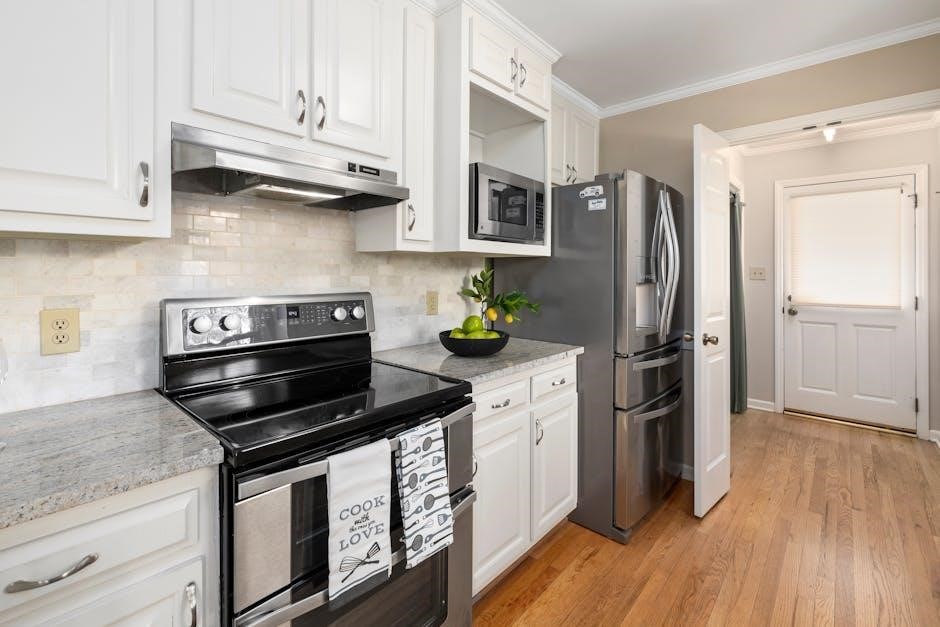
Regular cleaning and maintenance are vital for preserving the performance and longevity of your Samsung RF27T5201SR refrigerator. Begin by disconnecting the power supply before any cleaning procedure. The interior should be cleaned monthly with a mild detergent and warm water solution. Avoid abrasive cleaners, as they can damage the surfaces.
The exterior, particularly the fingerprint-resistant finish, benefits from regular wiping with a damp cloth. For stubborn stains, use a stainless steel cleaner specifically designed for appliances. Clean the condenser coils at the back of the refrigerator twice a year to ensure efficient cooling. Use a vacuum cleaner with a brush attachment for this task.
Don’t forget to clean the door gaskets to maintain a tight seal. Inspect the water filter regularly and replace it every six months, or as indicated by the filter replacement indicator. Proper maintenance prevents odors, ensures optimal cooling, and extends the life of your appliance.
Warranty Information
Your Samsung RF27T5201SR refrigerator is covered by a limited warranty, providing peace of mind against manufacturing defects. The standard warranty typically includes one year for parts and labor, covering any defects in materials or workmanship under normal household use. The sealed system (compressor, condenser, evaporator, and connecting tubing) often receives a longer warranty period, typically five or ten years for the compressor itself.
This warranty does not cover damage resulting from misuse, improper installation, accidents, or unauthorized repairs. It’s crucial to retain your original purchase receipt as proof of purchase and warranty validation. To make a warranty claim, contact Samsung customer support, providing your model number (RF27T5201SR) and date of purchase.
Review the complete warranty documentation included with your refrigerator for specific terms, conditions, and exclusions. Extended warranty options may also be available for purchase, offering additional coverage beyond the standard warranty period. Registering your appliance with Samsung is recommended for streamlined service.

Safety Precautions
Important Safety Instructions: Before operating your Samsung RF27T5201SR refrigerator, carefully read and understand these precautions to minimize risks of injury or damage. Always ensure the appliance is properly grounded to prevent electric shock. Do not store flammable materials or liquids near the refrigerator.
Never attempt to repair the refrigerator yourself; contact qualified service personnel for any repairs. Disconnect the power supply before cleaning or performing maintenance. Avoid overloading electrical outlets or extension cords. Keep the ventilation openings clear of obstructions to ensure efficient cooling.
Children should not operate or play with the appliance. Supervise children around the refrigerator. Do not store food directly against the rear wall, as this can cause freezing. Be cautious when handling glass shelves or components to avoid breakage. If the power cord is damaged, it must be replaced by a qualified technician. Follow all local electrical codes during installation.